Dynamic supplier catalog
Browse products, compare specifications and choose a reference
Use a product code or page link to show us the exact configuration you want. You can request the reference specification as shown or tell us which material, ratio, size, packaging or other fields to change.
332product references to explore
Explore product series
Choose a sourcing direction, then narrow the live catalog by specification. Moxa Rolls, Sticks & WoolCompare wool grade, ratio, origin, aging, dimensions and pack format.58 products →
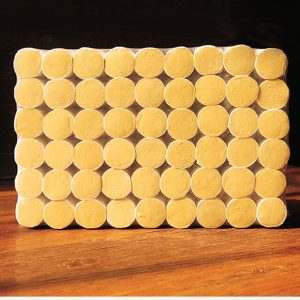 Moxa Cones & Portable MoxibustionCompare cone size, wool ratio, base format, device fit and box count.36 products →
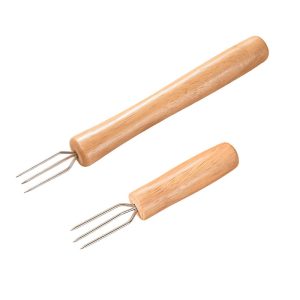 Moxibustion Devices & AccessoriesCompare material, dimensions, hole count, compatible consumables and included parts.35 products →
 Mugwort Heat & Comfort ProductsCompare format, dimensions, materials, heating profile and packaging.90 products →
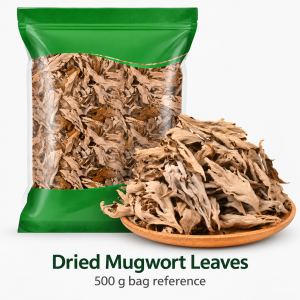 Mugwort Bath, Foot Care & Daily WellnessCompare product form, ingredients, net content, use format and pack configuration.39 products →
 Mugwort Personal Care, Oils & ExtractsCompare formula type, ingredient list, concentration, fill volume and packaging.15 products →
 Mugwort Home, Textile & LifestyleCompare filling, textile or tool material, dimensions, construction and presentation.59 products →
Wellness Gift Sets & Custom Kits combine references across these product families. Explore related products and packaging for a gift-set brief.
Filtered catalog results
Each public item has passed source and page review.A catalog listing is a starting reference for a buyer brief. Select the exact product code or page, compare its stated specifications and images, and identify any material, size, formula, artwork or pack changes before asking for a matched sample and written quotation. Current availability, minimum quantity, lead time, documents and shipping depend on the selected configuration and destination.
How do you select the right catalog reference?
Use the product-series filters and search above to narrow the format, then open the specific listing. Record its public Moxa product code, the configuration you want, and the specification fields that matter for your intended market. The moxa rolls series gives an example of checking size and holder fit; other series need their own product-specific checks.
| Buying stage | What to record | Decision before proceeding |
|---|---|---|
| Reference | Exact listing URL, Moxa code, format and published specifications | Does this reference match the intended use and market? |
| Adaptation | Requested material, dimensions, formula, artwork or pack changes | Which details need an approval sample or written specification? |
| Sample | Selected configuration, comparison method and acceptance notes | Does the received sample match the approved brief? |
| Quotation | Quantity, destination, packaging, documents and shipping terms | Are availability, MOQ, lead time and landed scope confirmed in writing? |
What should you send with a sample or quote request?
Send the listing link or code, desired quantity, target market, product and packaging changes, and any document or delivery requirement. If an item is only a starting point, say which fields are open for development. Use the request-a-quote form to keep the selected reference and project brief together. For custom work, confirm feasible shipping and accept the commercial scope before production commitments.
How do catalog references become an approved order?
We first identify the selected configuration, then confirm the sample and written specification, quotation, destination responsibilities and agreed production steps. A visible listing or category count does not by itself confirm stock, MOQ, delivery time, regulatory status or a completed order.
Catalog buying questions
Does a published listing mean stock is ready to dispatch?
No. Ask for current availability, selected configuration, quantity, lead time and shipping in the written quotation.
Can I change the material, size or packaging?
Describe the requested changes against one specific reference. Sample feasibility, documentation, price and lead time depend on the resulting brief.
What identifies the exact item in a request?
Include the public Moxa product code or listing link and the chosen variant or specification fields, together with the intended market and quantity.
Browse current product references
Open a listing for its own source-provided specifications, directions, warnings and media; use the guide above to prepare a scoped inquiry.
Showing 17–32 of 58 results
-

40:1 Moxa Roll — 50 × 200 mm
Product code MS-CAT-E1BFEE1CA0
- Material
- 40:1 moxa wool
- Dimensions
- 50 × 200 mm / roll
- Wrapper
- White outer wrap shown in the source image; exact wrapper material not stated
- Carton reference
- 160 rolls / carton
-
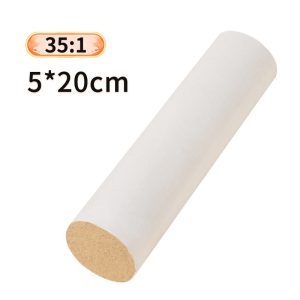
35:1 Moxa Roll — 50 × 200 mm
Product code MS-CAT-0554F900D8
- Material
- 35:1 moxa wool
- Dimensions
- 50 × 200 mm / roll
- Wrapper
- White outer wrap shown in the source image; exact wrapper material not stated
- Carton reference
- 160 rolls / carton
-

30:1 Moxa Roll — 50 × 200 mm
Product code MS-CAT-04D3C96FAC
- Material
- 30:1 moxa wool
- Dimensions
- 50 × 200 mm / roll
- Wrapper
- White outer wrap shown in the source image; exact wrapper material not stated
- Carton reference
- 160 rolls / carton
-
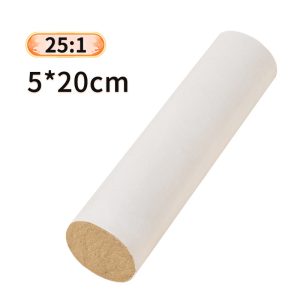
25:1 Moxa Roll — 50 × 200 mm
Product code MS-CAT-6A6EFD2F81
- Material
- 25:1 moxa wool
- Dimensions
- 50 × 200 mm / roll
- Wrapper
- White outer wrap shown in the source image; exact wrapper material not stated
- Carton reference
- 160 rolls / carton
-
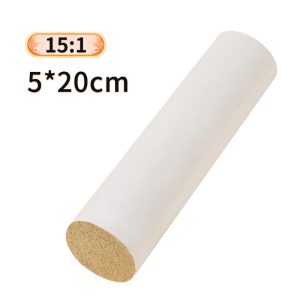
15:1 Moxa Roll — 50 × 200 mm
Product code MS-CAT-75B2924B68
- Material
- 15:1 moxa wool
- Dimensions
- 50 × 200 mm / roll
- Wrapper
- White outer wrap shown in the source image; exact wrapper material not stated
- Carton reference
- 160 rolls / carton
-

10:1 Moxa Roll — 50 × 200 mm
Product code MS-CAT-09BD517288
- Material
- 10:1 moxa wool
- Dimensions
- 50 × 200 mm / roll
- Wrapper
- White outer wrap shown in the source image; exact wrapper material not stated
- Carton reference
- 160 rolls / carton
-
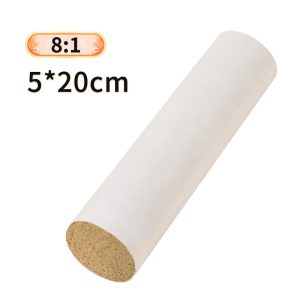
8:1 Moxa Roll — 50 × 200 mm
Product code MS-CAT-A1D0510CC9
- Material
- 8:1 moxa wool
- Dimensions
- 50 × 200 mm / roll
- Wrapper
- White outer wrap shown in the source image; exact wrapper material not stated
- Carton reference
- 160 rolls / carton
-

5:1 Moxa Roll — 50 × 200 mm
Product code MS-CAT-5927470C90
- Material
- 5:1 moxa wool
- Dimensions
- 50 × 200 mm / roll
- Wrapper
- White outer wrap shown in the source image; exact wrapper material not stated
- Carton reference
- 160 rolls / carton
-

Thick Moxa Rolls — Six Size and Ratio Options
Product code MS-CAT-1BDD17257E
- Configurations
- 6 listed options
- Material
- mugwort wool, source-listed as Henan, China origin; ratio per option.
- Packing
- single rolls; carton quantity to be confirmed.
- Construction
- moxa wool hand-rolled in white paper.
-
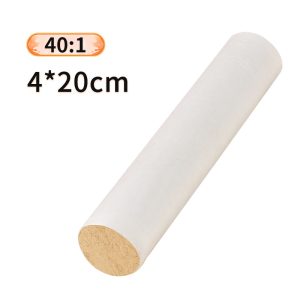
40:1 Moxa Roll — 40 × 200 mm
Product code MS-CAT-C98E9EDE01
- Moxa wool ratio
- 40:1
- Dimensions
- 40 × 200 mm / roll
- Sales unit
- Single roll reference
- Carton reference
- 250 rolls / carton
-
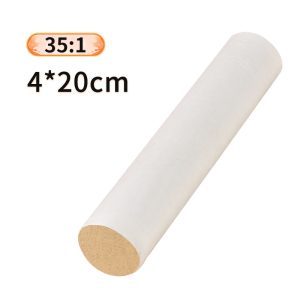
35:1 Moxa Roll — 40 × 200 mm
Product code MS-CAT-B4F16B2322
- Moxa wool ratio
- 35:1
- Dimensions
- 40 × 200 mm / roll
- Sales unit
- Single roll reference
- Carton reference
- 250 rolls / carton
-
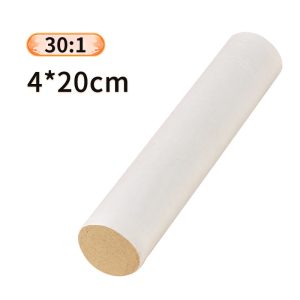
30:1 Moxa Roll — 40 × 200 mm
Product code MS-CAT-ACAC5CD25C
- Moxa wool ratio
- 30:1
- Dimensions
- 40 × 200 mm / roll
- Sales unit
- Single roll reference
- Carton reference
- 250 rolls / carton
-
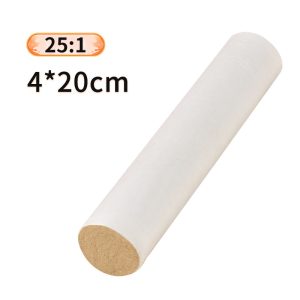
25:1 Moxa Roll — 40 × 200 mm
Product code MS-CAT-95ABFE468F
- Moxa wool ratio
- 25:1
- Dimensions
- 40 × 200 mm / roll
- Sales unit
- Single roll reference
- Carton reference
- 250 rolls / carton
-
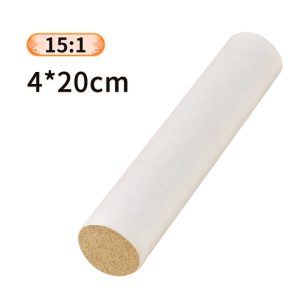
15:1 Moxa Roll — 40 × 200 mm
Product code MS-CAT-ACB38DD994
- Moxa wool ratio
- 15:1
- Dimensions
- 40 × 200 mm / roll
- Sales unit
- Single roll reference
- Carton reference
- 250 rolls / carton
-
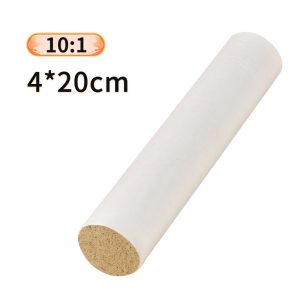
10:1 Moxa Roll — 40 × 200 mm
Product code MS-CAT-87F95D878F
- Moxa wool ratio
- 10:1
- Dimensions
- 40 × 200 mm / roll
- Sales unit
- Single roll reference
- Carton reference
- 250 rolls / carton
-
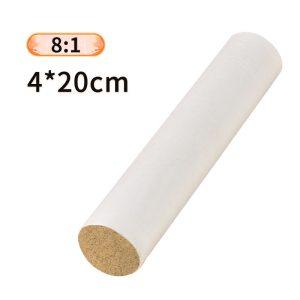
8:1 Moxa Roll — 40 × 200 mm
Product code MS-CAT-BDC262704C
- Moxa wool ratio
- 8:1
- Dimensions
- 40 × 200 mm / roll
- Sales unit
- Single roll reference
- Carton reference
- 250 rolls / carton