Define a moxa product, material, process and budget in six steps, then save a supplier-confirmation brief. Starting rates are editable examples, not factory quotes. Confirm the matching sample, written specification, current source, quantity and delivery terms with the supplier before using any calculated amount as an offer.
Your moxa. Your choices.
Choose the product you want. See what each choice costs. Adjust the plan, not the fine print.
How does the Product Builder turn choices into a purchasing brief?
The tool keeps product form, weight, raw material, refining method, cost inputs and budget decisions together. Work through the six stages in order, or revisit an earlier choice; if a product condition changes, review the matching rate again before relying on the calculation. Save the file to compare versions or share an approved brief with your sourcing contact.
| Stage | Buyer input | Useful result |
|---|---|---|
| 1. Product | Form, net contents, sales pack and order quantity. | One selected product basis for later comparisons. |
| 2. Material | Origin, storage-age request and material assumptions. | Documented raw-material choices to verify with a supplier. |
| 3. Process | Refining and usable-material assumptions. | A process basis tied to the selected product specification. |
| 4. Price | Review or replace example rates and note their source and date. | A transparent reference calculation, not a supplier quotation. |
| 5. Budget | Adjust choices and review cost trade-offs. | A visible change history for the proposed plan. |
| 6. Your brief | Review the full specification and unresolved inputs. | A saved file for supplier confirmation and sample discussion. |
What is the difference between a reference cost and a supplier quote?
A reference cost is the result of the figures currently entered in the tool. It is useful for comparing scenarios on the same basis, but it does not prove factory cost, stock, minimum order quantity or lead time. A supplier quote needs the exact reference sample and written specification, current source and packaging inputs, quantity, inspection and document scope, delivery basis and supplier confirmation. When these conditions differ, compare a new version rather than presenting the old total as a live offer.
What should a buyer check before sending the brief?
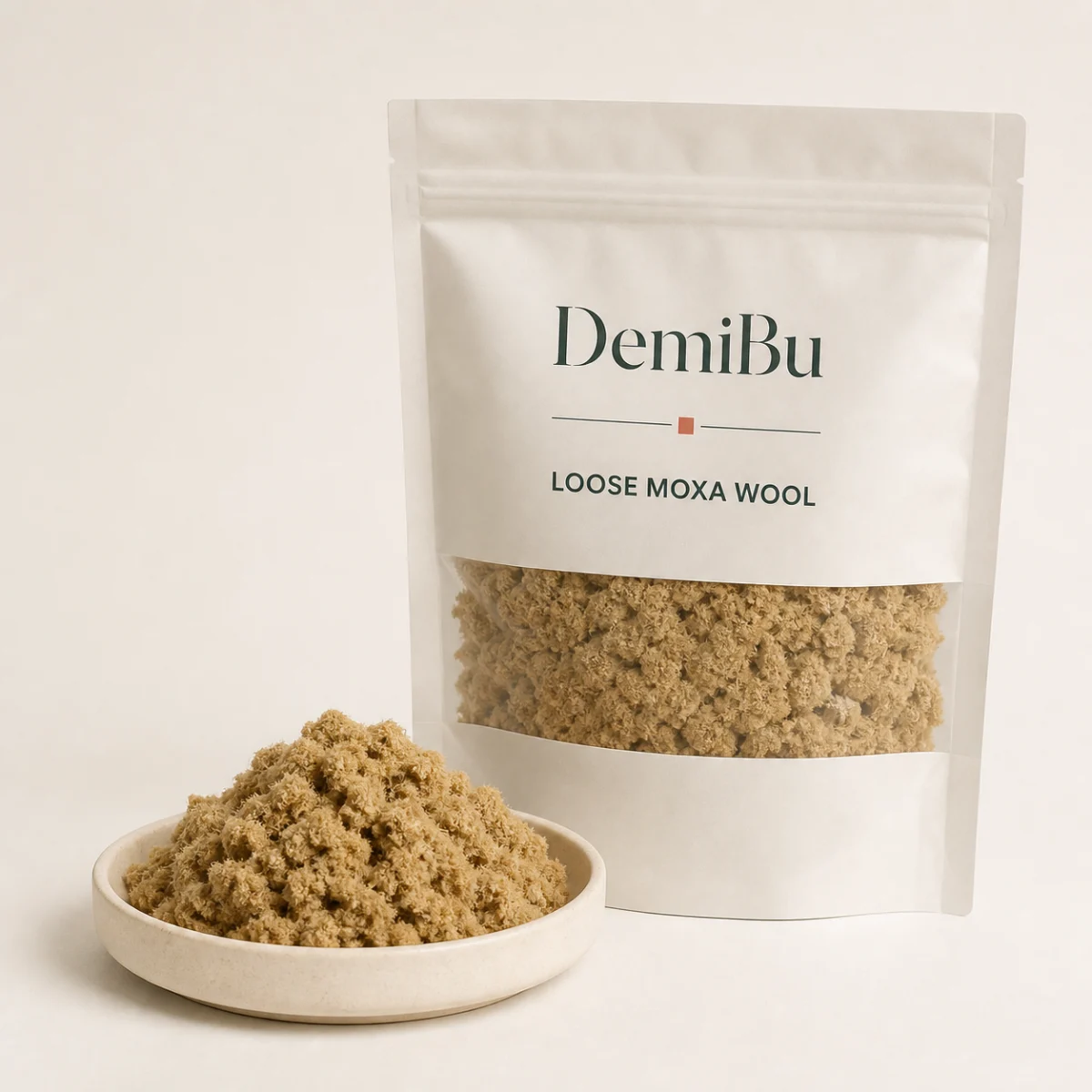
Confirm the intended product use, destination market, format, material basis, packaging, quantity and sample plan. Match every cost input to its source and date. Keep safety, batch evidence, label and claim decisions with the responsible supplier, buyer and local adviser; the tool does not establish product quality or destination approval. For a project-specific response, send the approved brief through the buyer inquiry form. You can also review the loose moxa wool example, the moxa wool buying guide, and the quality and supply responsibilities.
Product Builder FAQ
Are the starting rates factory quotes?
No. The starting rates are editable examples for comparing choices. A current supplier quotation requires a selected specification, sample, quantity and delivery basis.
Which product forms can I compare?
The tool includes loose moxa wool, moxa sticks or rolls, cylinders, discs or cakes, and blended heat packs. Availability and manufacturing details for a selected form must be confirmed with the supplier.
What should I do when a product choice changes?
Review the matching material, process and rate inputs again, record their source and date, and save a new comparison file. Do not carry an old total over as a confirmed price.
Does a saved brief confirm product quality or destination approval?
No. Use it to request a matching sample, supplier records and project-specific evidence. The buyer or importer leads destination classification, labels, claims and sale decisions with qualified local support where needed.